Adobe Animate Is Shutting Down - Here're Top Alternatives to Try
With Adobe Animate entering maintenance mode, we break down the top 5 professional alternatives for 2026, from industry-standard Toon Boom to the free power of Krita.

With Adobe Animate officially shifting to maintenance mode, the creative industry is rapidly diversifying its toolkit to ensure long-term production stability. While Animate remains functional for now, the lack of future feature updates has pushed studios and independent creators toward more robust, specialized platforms that offer advanced rigging, better performance, and modern interactive capabilities. Whether you are looking for high-end cinematic tools or lightweight web solutions, the following alternatives represent the best of the current 2026 animation landscape.
1. Toon Boom Harmony
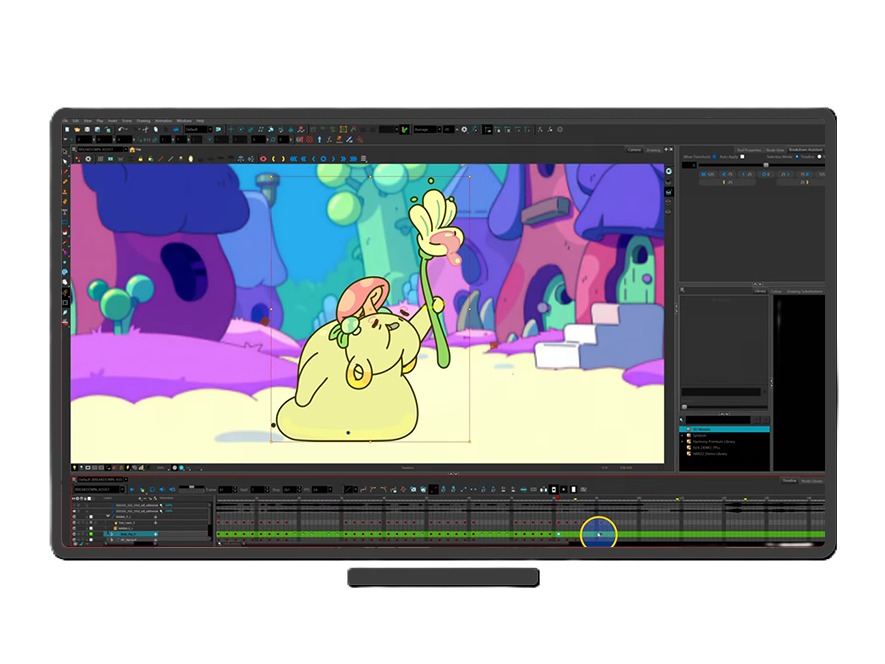
Toon Boom Harmony is widely regarded as the global industry standard for 2D television and film animation, used by major studios like Disney and Warner Bros. It offers an end-to-end pipeline that covers everything from initial sketching to final compositing and special effects. Its advanced rigging system allows for highly complex character puppets that can move with organic fluidity, making it the premier choice for professional-grade productions.
- Good for: High-end television series, feature films, and studios requiring a centralized production pipeline with advanced effects.
- Pricing: Starting at $30/month for Essentials, scaling up to $139/month for the full Premium suite.
2. Moho Pro
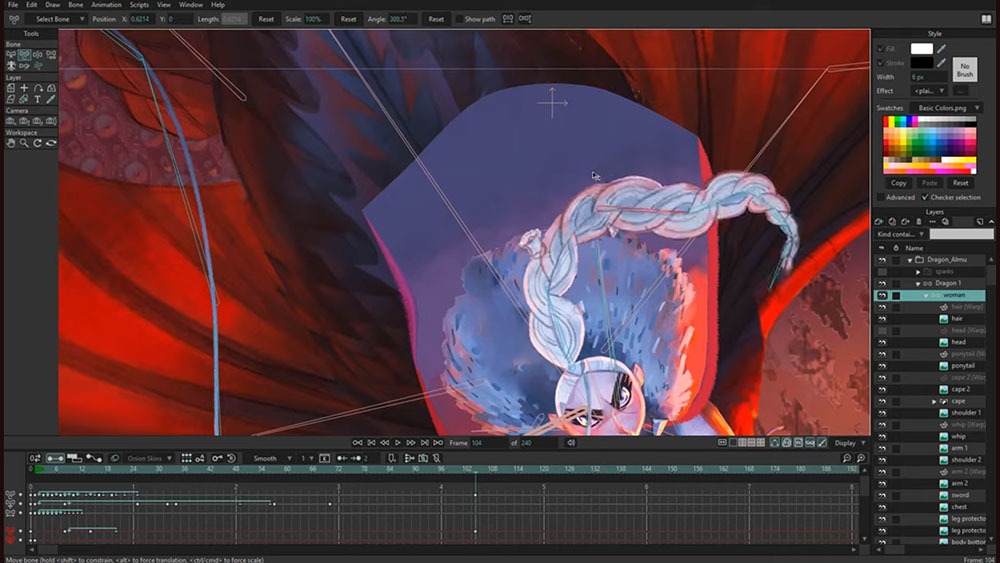
Moho Pro (formerly Anime Studio) has emerged as the most direct successor to Animate’s vector-based workflow, but with a significantly more powerful rigging engine. Its "Smart Bones" technology allows animators to control complex movements and facial expressions with simple dials, drastically reducing the need for tedious frame-by-frame adjustments. It is exceptionally efficient for creators who want to build reusable character rigs for web series or indie games.
- Good for: Solo creators and small teams who need fast, high-quality character animation without the overhead of traditional hand-drawn methods.
- Pricing: A one-time purchase of $399.99, offering a permanent license that avoids the subscription model.
3. Rive
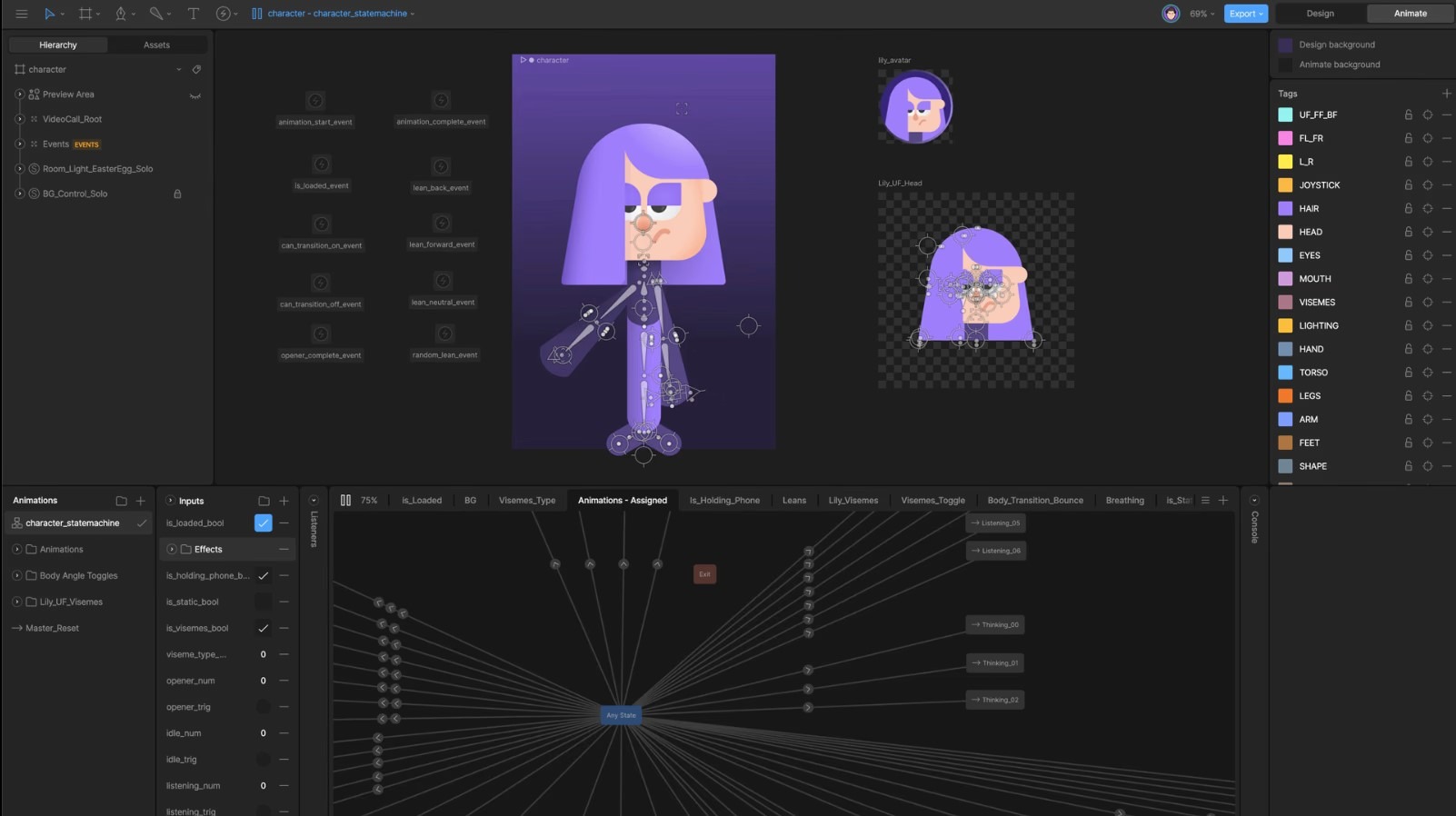
For those who primarily used Adobe Animate for web banners, UI/UX components, and interactive apps, Rive is the modern gold standard. Unlike traditional video-based tools, Rive produces tiny, functional files that run in real-time on websites and mobile devices. It features a "State Machine" that allows designers to build complex interactions—like buttons that react to hover states or characters that follow a cursor—without writing extensive code.
- Good for: UI/UX designers, game developers, and digital marketers focused on interactive web content and mobile app animations.
- Pricing: Free for personal use; professional plans start at $9/month (Cadet tier) for unlimited exports and shipping.
4. TVPaint Animation
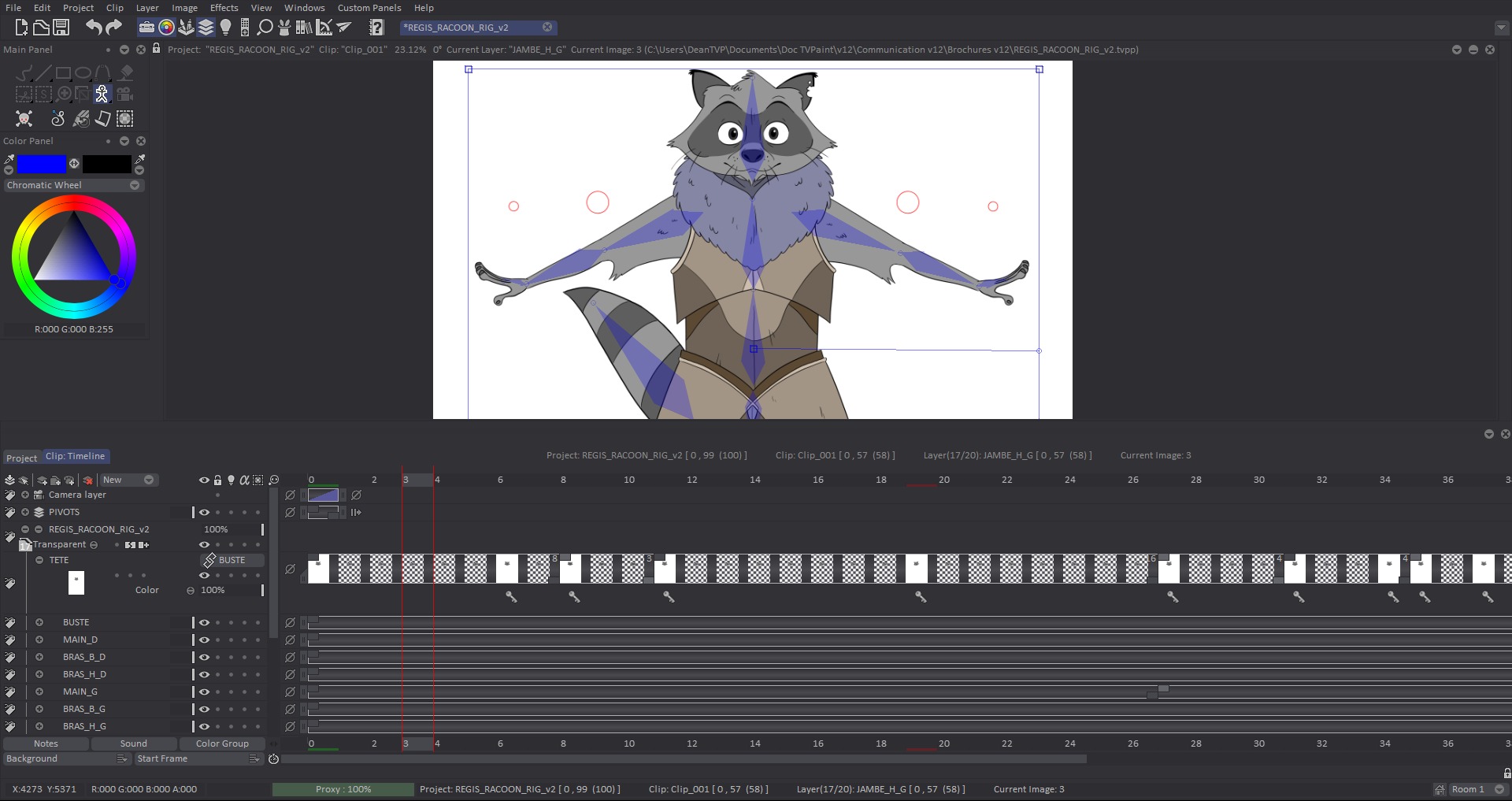
TVPaint is the go-to solution for artists who miss the feel of traditional paper animation. It is a bitmap-based (raster) program, meaning it prioritizes the texture and stroke of the brush over mathematical vectors. This makes it ideal for "painterly" animation styles that require a hand-crafted look. The software’s powerful "CTG layers" allow for lightning-fast colorization, significantly speeding up the most time-consuming part of the 2D process.
- Good for: Hand-drawn cinematic projects, artistic shorts, and animators who prioritize natural drawing textures and "cel" styles.
- Pricing: Professional licenses are a one-time purchase of approximately $1,350 (€1,250), with a standard version available for around $650.
5. Krita
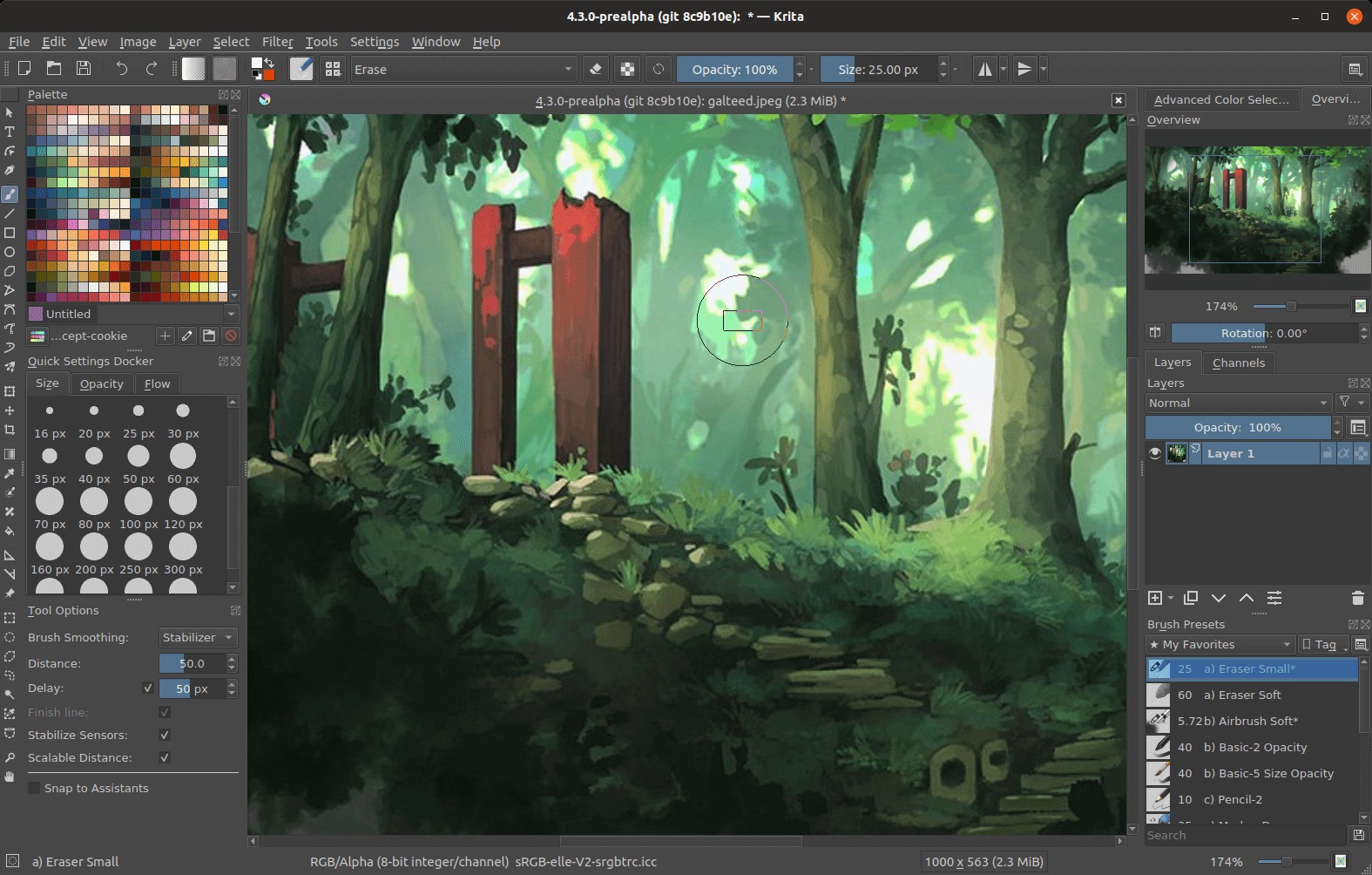
Krita is a powerhouse of the open-source community, offering a professional-grade drawing and animation suite completely free of charge. While it began as a digital painting tool, its animation timeline has evolved to include onion skinning, frame-by-frame controls, and audio support. For students or artists on a budget, Krita provides a surprisingly deep feature set that rivals many of the expensive proprietary alternatives.
- Good for: Students, hobbyists, and independent artists looking for a free, high-performance tool for frame-by-frame 2D animation.
- Pricing: Free (Open-Source), with the option to support the developers through voluntary donations.


